
How to test new UI in Development
Our team is redeveloping the UI with a new design using the latest Angular Framework. If you want to experience the new UI in advance, please follow the instructions below.
- Add the following Valve setting to Tomcat’s
context.xml.
<Context>
  ...
  <Valve className="org.apache.catalina.valves.rewrite.RewriteValve" />
  ...
</Context>
- Add
-Pv2option when building Maven.mvn clean install -Pv2 // Please note that adding the -Pv2 option may cause longer time to build.
- URL where you can check
- http://your.domain.name/v2
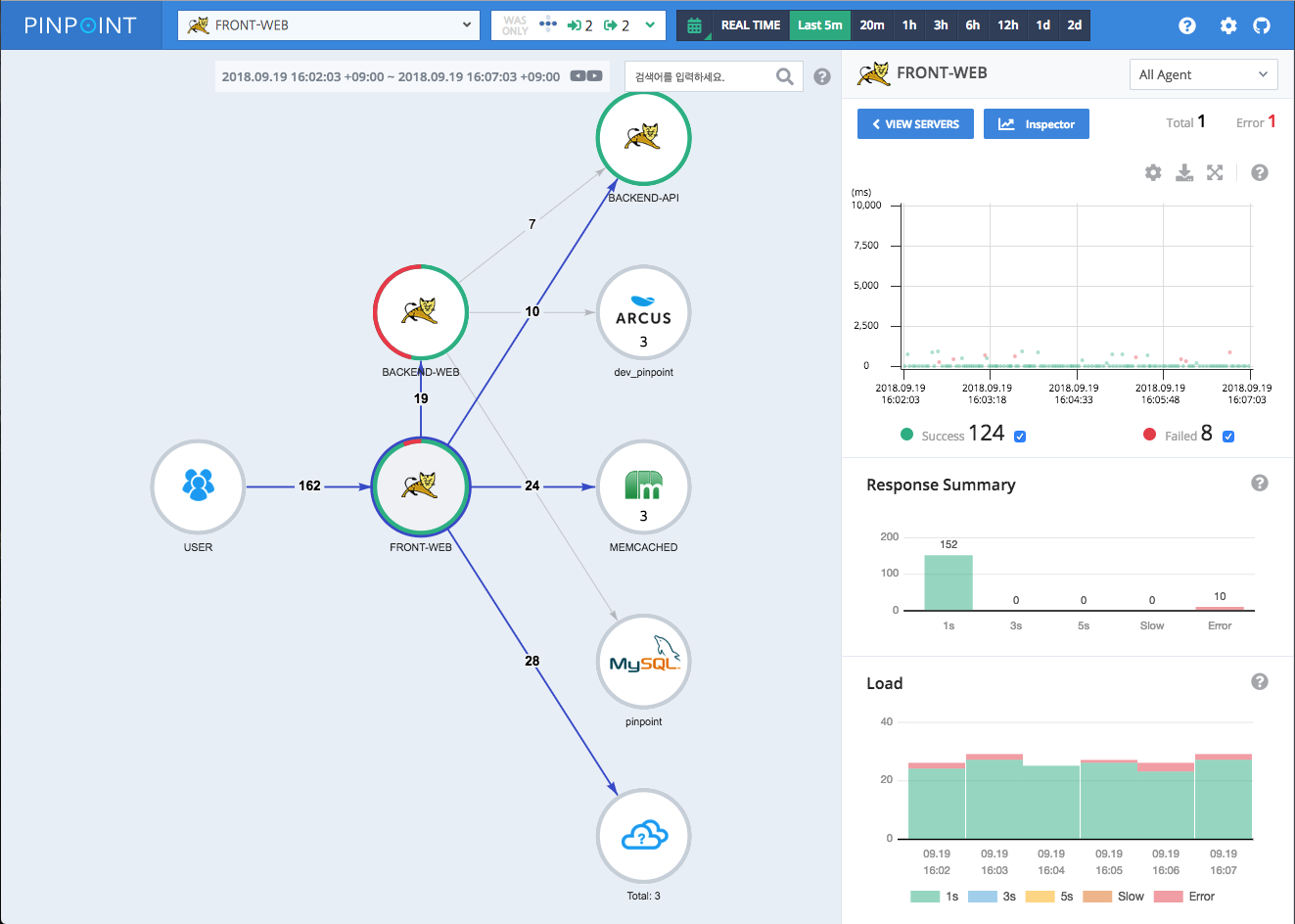
새롭게 개발 중인 UI를 테스트 할 수 있는 방법
Pinpoint 팀은 새로운 디자인과 최신 Angular Framework 을 이용하여 UI 를 재 개발하고 있습니다.
만약 새로운 UI를 미리 체험하고 싶다면 다음과 같은 설정이 필요합니다.
- 톰캣의 context.xml 에 아래와 같이 Valve 설정을 추가합니다.
<Context>
  ...
  <Valve className="org.apache.catalina.valves.rewrite.RewriteValve" />
  ...
</Context>
- Maven 빌드 시
-Pv2옵션을 추가 합니다.mvn clean install -Pv2
// -Pv2 옵션을 추가하면 빌드 타임이 오래 걸릴 수 있는 점을 유의해 주세요. - 확인 할 수 있는 URL
- http://your.domain.name/v2